
Web
MockupMotion
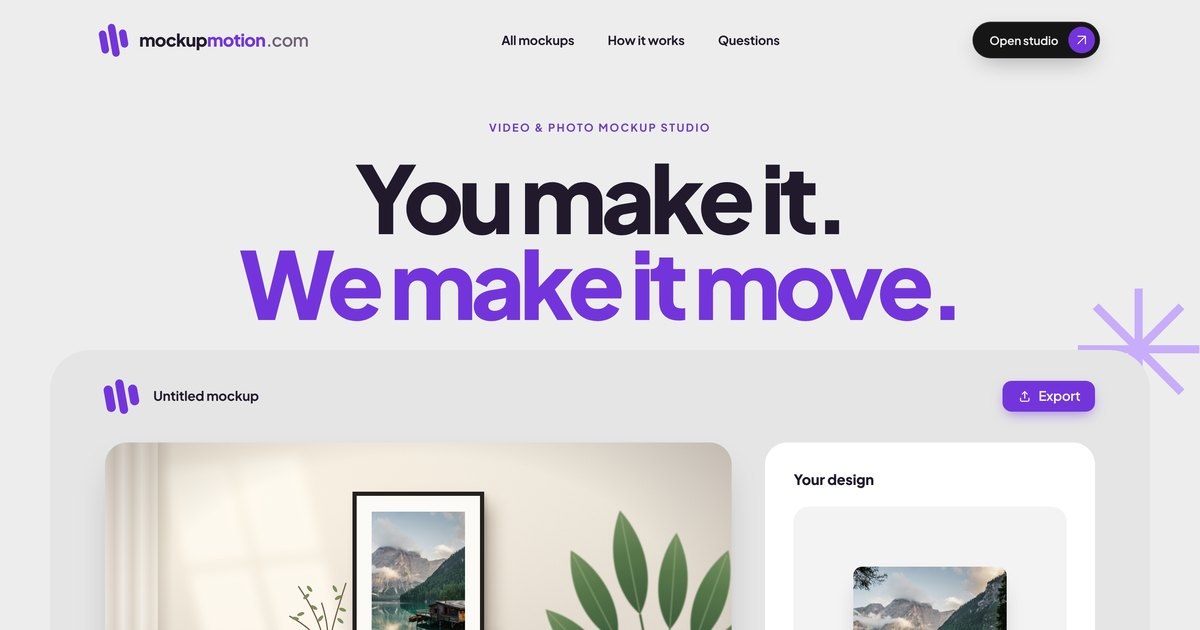
Drop your artwork into a video mockup and export it in your browser.
Purpose
Designs that move.
A product photo shows a design once. A short video shows it the way a customer would see it: catching the light, turning on a tree branch, sitting on a shelf. MockupMotion is a browser studio where you pick a ready-made scene, drop in your design and export a finished video or image in minutes, with no editing experience needed.
Workflow
Three simple steps.
- 01
Find your scene
Pick a video or photo mockup for ornaments, mugs, frames and other products.
- 02
Drop in your design
Add a PNG, JPEG or WebP image and place it in the scene.
- 03
Export in your browser
Render a finished MP4, PNG or JPG on your own device, ready for listings, social posts and ads.
Capabilities
Built for sellers and designers.
01
Tracked video scenes
Every video mockup starts as a real scene. The product surface is tracked frame by frame, so your design follows its position, perspective and movement through the whole clip.
02
Photo mockups too
Map your design onto still product scenes and export a PNG or JPG that keeps the original light and texture.
03
Private by design
Editing and rendering happen in your own browser, so your artwork and exports are never uploaded to MockupMotion.
Resources