Canva
Mockup Warp
Fit artwork into perspective mockups directly in Canva.
The public launch link will appear here after Canva review is complete.
Purpose
A cleaner mockup workflow.
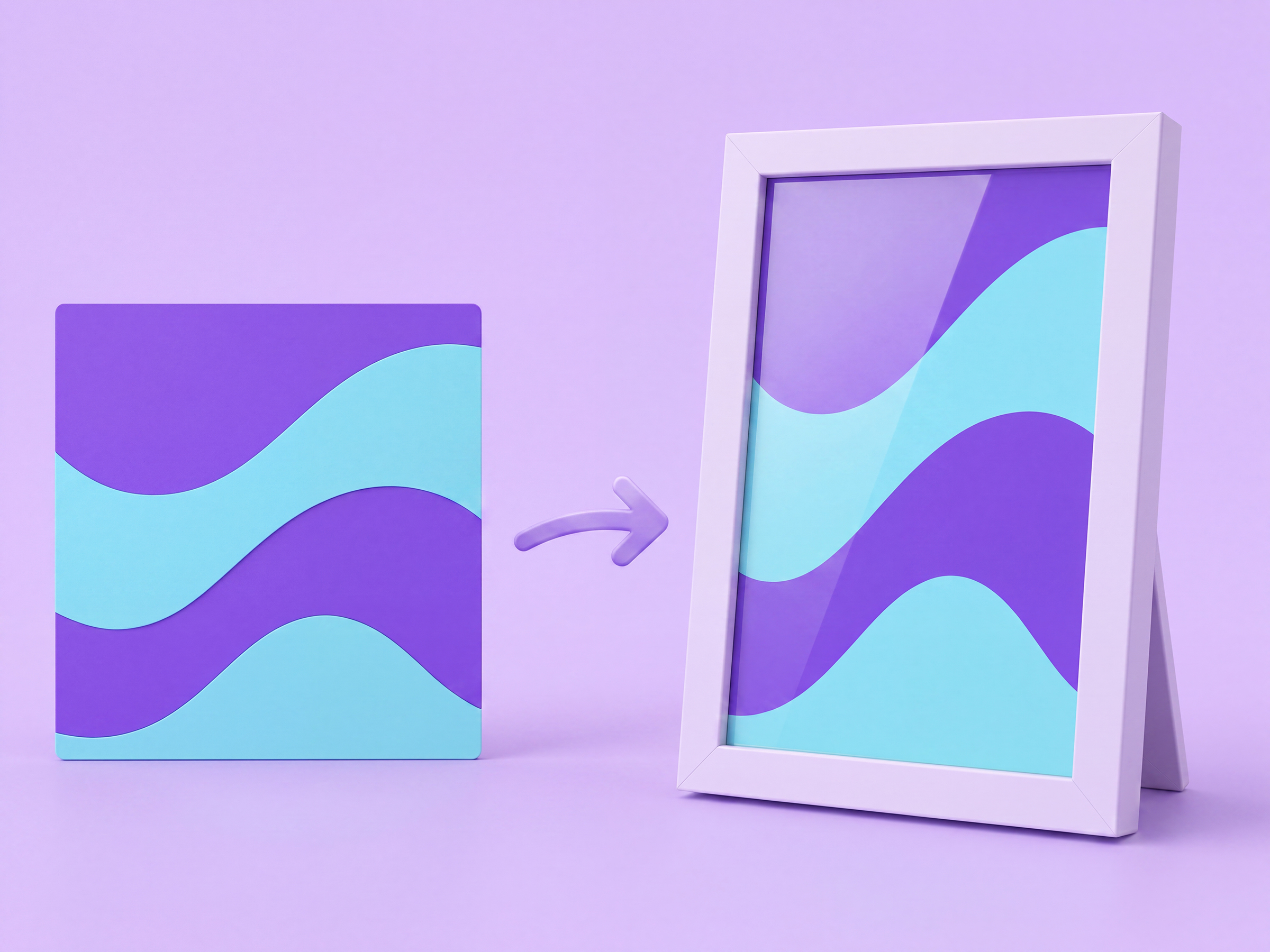
Mockup Warp gives designers a focused perspective-placement workflow for positioning artwork on screens, packaging, signs, and other angled surfaces inside a Canva design.
Workflow
Three focused steps.
- 01
Select your artwork
Choose the design element you want to place into a mockup.
- 02
Match the surface
Position the four corners to follow the perspective of the target area.
- 03
Apply the result
Create the warped artwork and continue working in the same Canva design.
Capabilities
Built around the placement.
01
Perspective placement
Align artwork to four corners so it follows the angle of the surface beneath it.
02
Visual control
Adjust the placement while keeping the mockup and source artwork in context.
03
Canva-native workflow
Create the result from the active design without setting up another account or leaving the editor.
Resources